
App Store & Play Store

Beautiful store screenshots in seconds

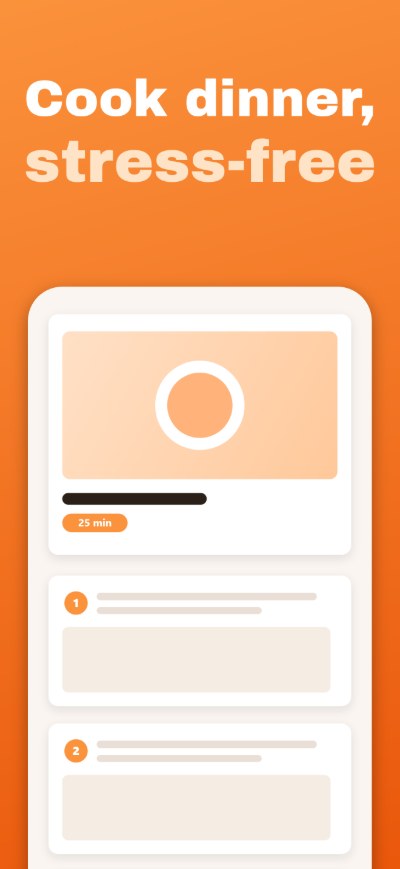
Stop wrestling with Photoshop templates. Design your full set of localized App Store and Google Play screenshots in one place, then export them at native resolution for every device.

Works in your browser. No upload, no account, no fees.

languages

Add any language to your project: each slide keeps its text per language, and the export ships every market with its own.

0 uploads

100% local, your visuals never leave your browser.

Every size

App Store and Google Play at the right sizes, in one click.

Templates

Start from a template, not a blank page

Ready-to-fill layouts for every kind of app. Pick one, swap the text, done.

Browse the templates

Localization

One listing, in all your languages

Write your titles per language, switch between languages in one click, and export every market with its own text.

Manage my languages

Why LookFrame

Everything an indie dev needs to ship a store listing

Stop juggling Figma files, screenshot tools and translation spreadsheets. Build, localize and export in one workflow.

Auto-fit titles

Type your headline once, LookFrame sizes it perfectly across every device, every language. No more truncated text on iPhone SE.

Every device, one source

Edit your slide once. Export it at native resolution for iPhone 6.7", 6.5", iPad 13", Android phones. Device fallback chain handles the rest.

Multi-language native

Manage all your languages in a single project. Toggle between EN, FR, PT, ES, JA, KR side-by-side, each slide keeps its text per language.

Gradient backgrounds

Linear, radial, conic, full CSS gradient support, rendered natively on canvas. PNG exports stay crisp at any size.

100% private

Everything happens in your browser. Your screenshots never leave your disk. No upload, no cloud, no account.

One-click export

Every slide, every device, every language: native-resolution PNGs named to Apple and Google conventions.

How it works

From blank canvas to App Store-ready in 4 steps

A workflow that gets out of your way.

  1. 1

    Pick a workspace folder

    LookFrame stores everything in a folder on your disk. You own your files. Move them, version them, back them up your way.

  2. 2

    Design your preset

    Set your background (color or gradient), pick a font, choose the languages and devices your project targets. Save it as a reusable preset.

  3. 3

    Add slides and screenshots

    Drop your raw screenshots into each slide. Write a headline. LookFrame auto-fits the text, adjusts the crop, handles the device frame.

  4. 4

    Export the full set

    One click exports every slide × every device × every language as ready-to-upload PNGs, named to match the Apple and Google file conventions.

Ready to ship your listing?

Open the app, point it to an empty folder, and you'll have your first slide in under a minute.

Launch LookFrame

FAQ

Questions, answered straight

Is LookFrame really free?
Yes, the app is free. It runs entirely in your browser, with no server costs on our side, so there's nothing to charge for.
Does it work in Firefox and Safari?
Yes. On Chrome and Edge, LookFrame reads and writes your files in a folder you choose on your disk (File System Access API): the best experience. On Firefox and Safari it uses the browser's private storage instead, with one-click ZIP export and import to back up or move your workspace. Nothing is ever uploaded anywhere.
Do my screenshots leave my computer?
Never. Your projects are processed locally in your browser. The only network calls LookFrame makes are loading Google Fonts and anonymous usage stats (Google Analytics), which never see your project content.
What device sizes does LookFrame support?
Out of the box: iPhone 6.7" (1290x2796), iPhone 6.5" (1242x2688), iPad Pro 13" (2048x2732), and standard Android phones. You can add any custom device size via the device manager, just enter width, height and a label.

See all questions

Guides

Guides & resources

Everything we learn about store listings, screenshots and conversion, written down.

A phone screenshot being composed on a bright canvas with indigo caption blocks floating above July 9, 2026 How to Make App Store Screenshots (Free, No Designer Needed) A five-step process for professional App Store and Google Play screenshots, free: clean captures, benefit-led captions, one consistent preset, export at every size. Read the guide A phone shape beside a wide banner card with indigo guides on a bright surface July 7, 2026 Google Play Screenshot Requirements in 2026: Sizes, Formats, Feature Graphic What Google Play really requires in 2026: 2 to 8 screenshots, the ratio and pixel rules, the 4 x 1080px promotion threshold, and the mandatory 1024 x 500 feature graphic. Read the guide Two phone cards on twin pedestals with a beam of light tilting toward the winning one July 5, 2026 A/B Testing Screenshots: Apple PPO vs Google Play Experiments Both stores offer native screenshot A/B testing, with very different rules. How Product Page Optimization and Store Listing Experiments work in 2026, and what to test first. Read the guide

All guides