Google Play is more permissive than the App Store about screenshot dimensions, which paradoxically causes more mistakes: "almost anything works" until your listing quietly loses eligibility for promotion placements. Here is what Google actually requires in 2026, and the sizes you should use in practice.
What Google actually requires
For phone screenshots:
- 2 to 8 screenshots per device type, minimum 2 to publish at all.
- JPEG or 24-bit PNG, no alpha channel (transparency is rejected).
- Each side between 320 and 3840 pixels, and the long side cannot exceed twice the short side (a maximum 2:1 ratio).
- 8 MB maximum per image.
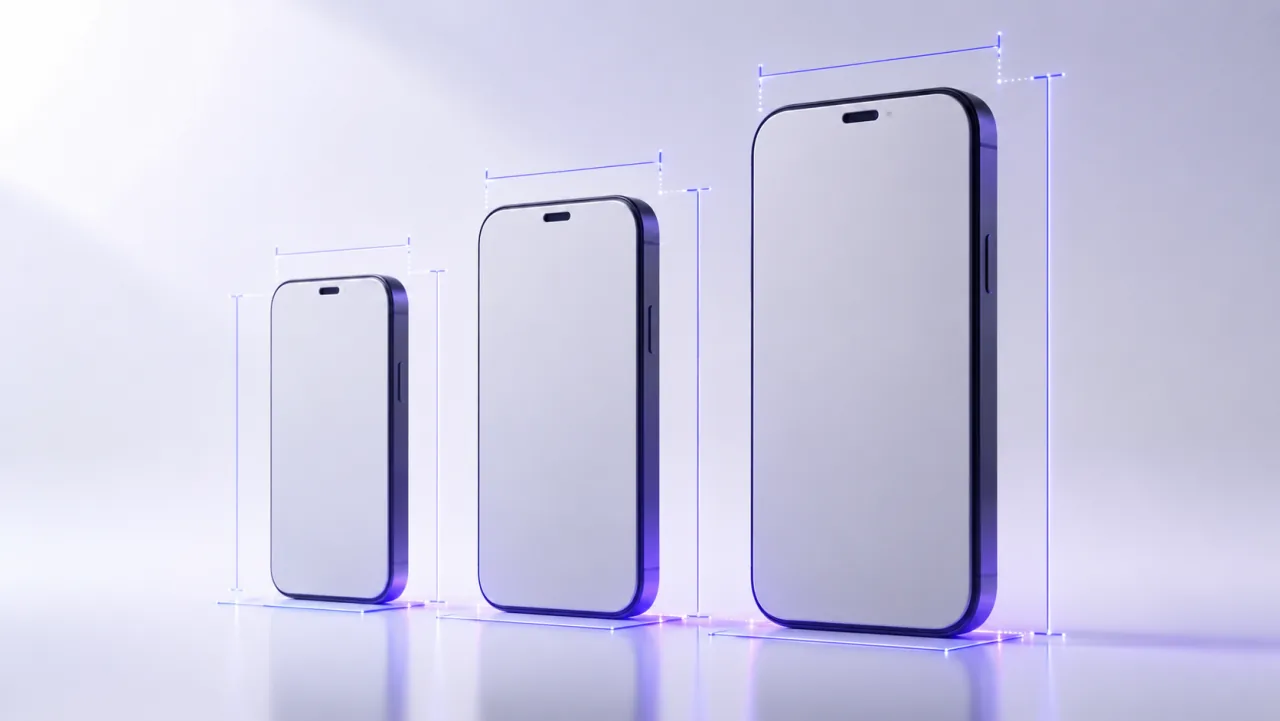
That leaves a huge range of valid sizes. The recommended default is 1080 x 1920 for portrait (9:16) or 1920 x 1080 for landscape.
The promotion eligibility trap
This is the part most developers miss: meeting the minimum does not make your listing eligible for Google's larger promotional surfaces. For apps, you need at least 4 screenshots of at least 1080 pixels on each side's minimum dimension; games need at least 3 landscape screenshots at 1920 x 1080 or better. Upload two low-resolution screenshots and your app technically publishes, but it will never be showcased in the bigger card formats.
The feature graphic is not optional
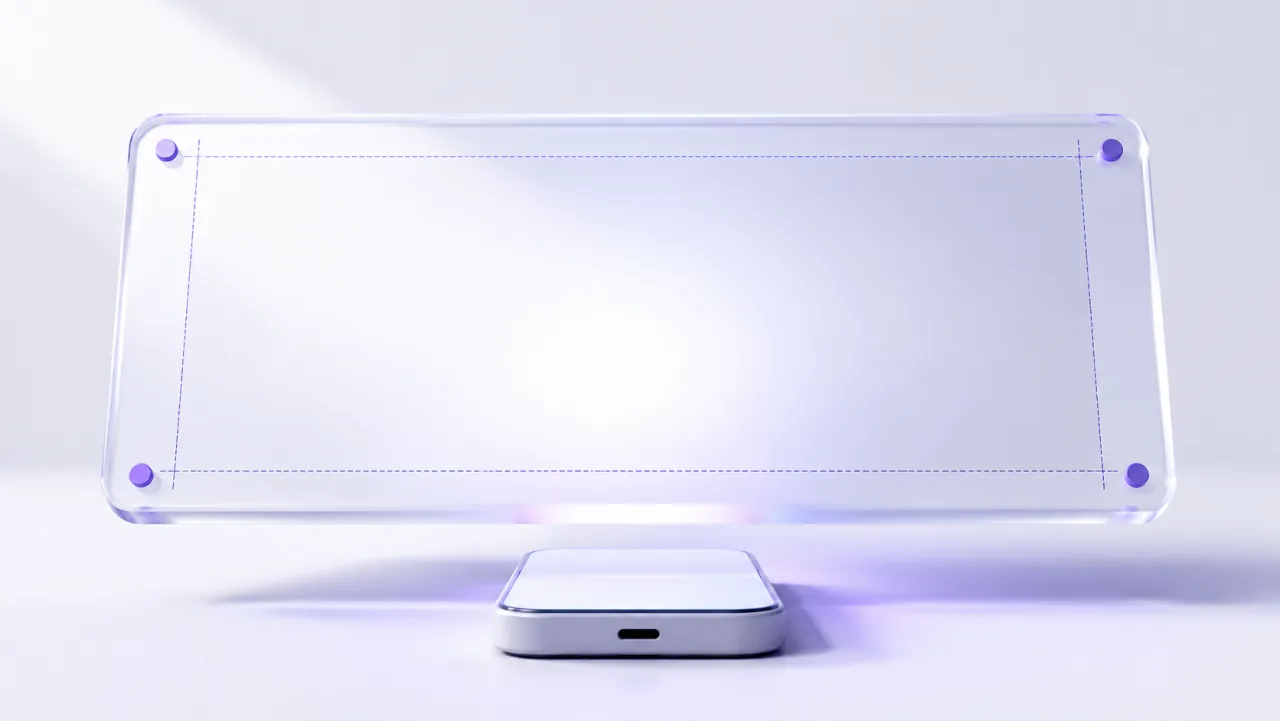
Google Play requires a feature graphic of exactly 1024 x 500 pixels, JPEG or PNG without transparency. It appears in promotional placements and behind the play button if you add a video. Keep the important content in the central safe zone (roughly 860 x 480), because edges get cropped in several placements. And localize it: a translated feature graphic alone measurably lifts conversion in non-English markets.
Reusing your iPhone screenshots
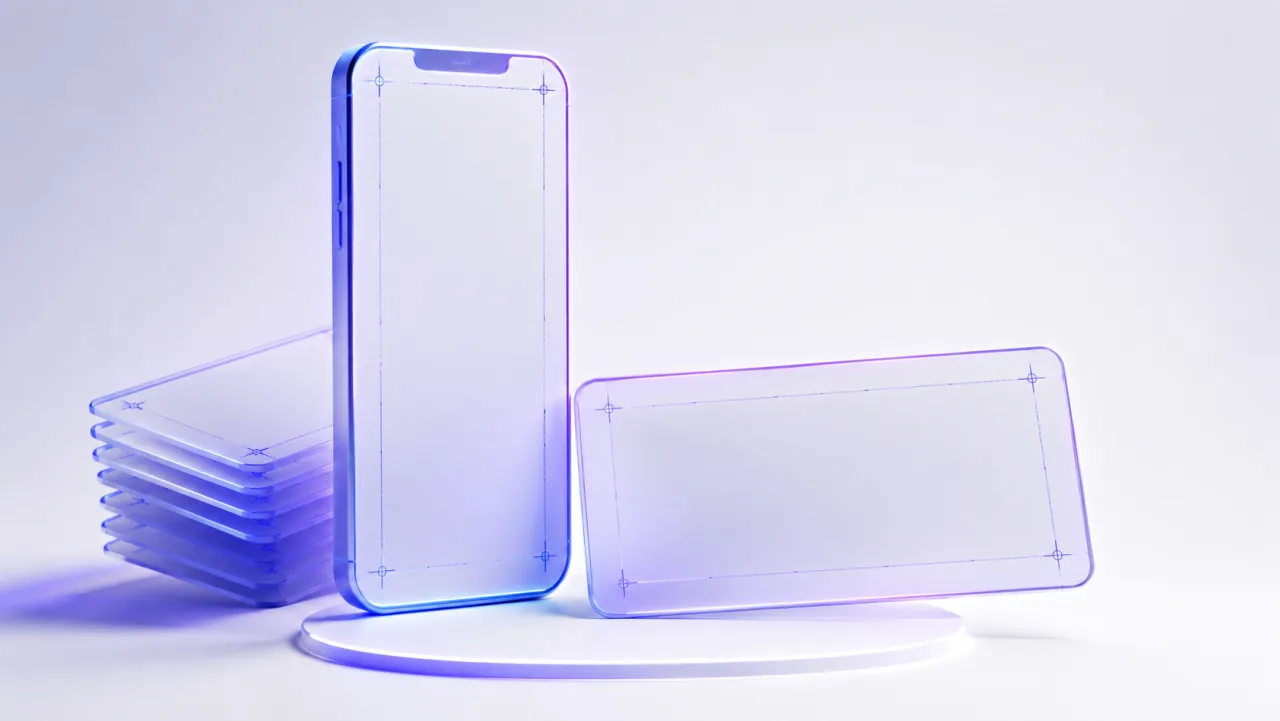
Mostly yes, with one catch: modern iPhone screenshots are taller than 2:1 (1260 x 2736 is about 2.17:1), which violates Play's ratio rule. You need a version composed for 9:16 rather than a naive crop. LookFrame handles this by exporting the same slide design at both Apple and Google dimensions, so the two stores stay visually consistent without duplicate work. The Apple-side equivalent of this article is App Store screenshot sizes in 2026.
The short version
Ship at least 4 screenshots at 1080 x 1920 to stay promotion-eligible, add the 1024 x 500 feature graphic, avoid transparency, and respect the 2:1 ratio ceiling. Then spend your remaining energy on the first two frames: they carry the decision.