Every year Apple moves the goalposts, and every year thousands of submissions bounce because a screenshot is 40 pixels short. Here are the exact App Store screenshot sizes that matter in 2026, what is actually required versus optional, and the workflow that keeps you from redoing everything at upload time.
The two sizes that actually matter
Since Apple simplified its requirements, only two device classes are mandatory:
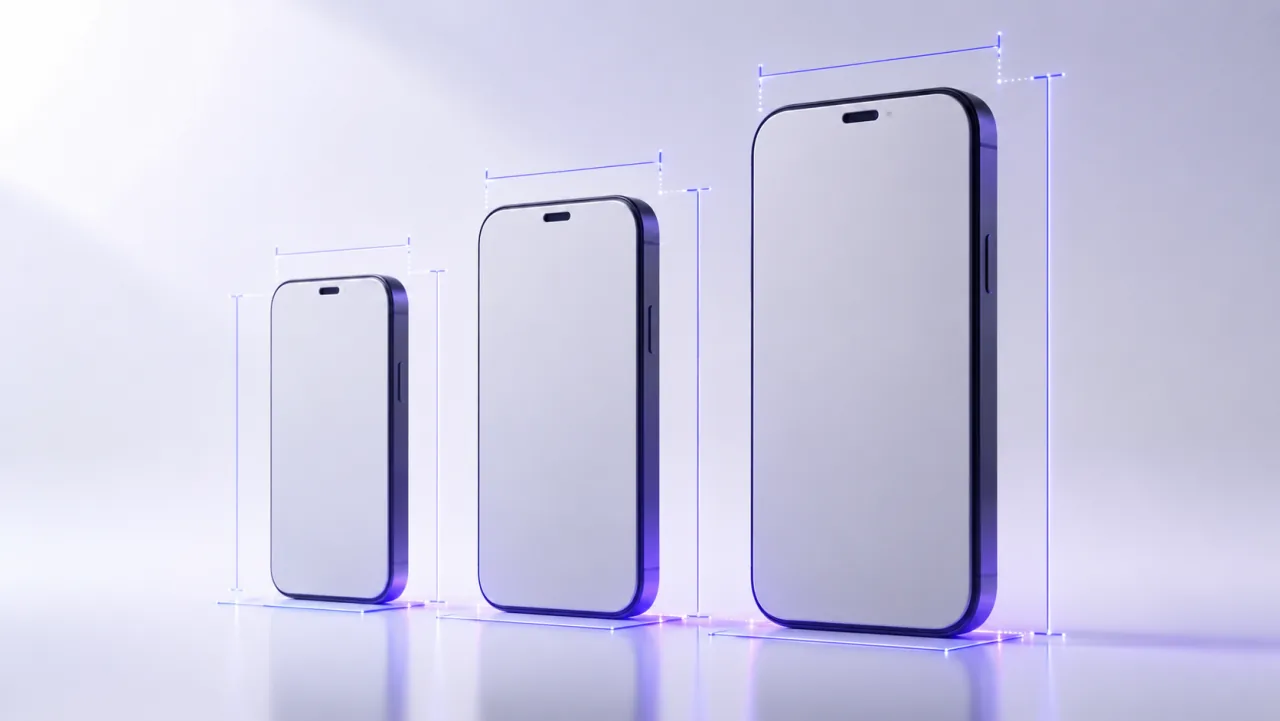
- iPhone 6.9 inch, required for every iPhone app: 1260 x 2736 portrait. Apple also accepts 1290 x 2796 and 1320 x 2868 for this class, so existing sets keep working.
- iPad 13 inch, required only if your app runs on iPad: 2064 x 2752 or 2048 x 2732.
Landscape versions are simply the same dimensions flipped. Everything else, 6.5 inch, 6.1 inch, the old 5.5 inch, is optional: if you provide only the sizes above, Apple scales them down for smaller devices automatically.
When the optional sizes are worth it
Automatic downscaling is fine, but native uploads always render crisper. The 6.5 inch class (1284 x 2778 or 1242 x 2688) is the one most worth adding, since it still covers a large installed base. If your layout changes meaningfully between screen sizes, native sets also let you show the real thing instead of a shrunk approximation.
Formats and limits
- 1 to 10 screenshots per device class.
- PNG or JPEG, no transparency.
- Same dimensions for every screenshot within one class, portrait and landscape cannot be mixed within a set on the same slot.
Only the first two or three are visible before the user swipes, so treat those as your billboard: data across store listings puts roughly 70 percent of the conversion weight on the first three frames.
The workflow that avoids redoing everything
Design once at the largest resolution, then export every required size from the same source. LookFrame does exactly that: you compose your slides once, per language, and it exports the full set at native resolutions with Apple-friendly filenames, iPhone and iPad included. No manual resizing, no stretched screenshots. For the Google side of the same problem, see Google Play screenshot requirements, and if you are starting from zero, begin with how to make App Store screenshots.
The short version
Ship 1260 x 2736 for iPhone, 2064 x 2752 if you support iPad, PNG or JPEG without transparency, and put your best message in the first three frames. Check this page again after Apple's September event: these numbers historically change with new hardware.