Your app got rejected and the review notes cite Guideline 2.3.3. The good news: this is one of the fastest App Store rejections to fix, because it is about your screenshots, not your binary. Here is what 2.3.3 actually demands, why listings trip it, and how to resubmit within the hour.
What Guideline 2.3.3 actually says
Apple requires screenshots to show the app in use. The reviewer wants to see your actual interface doing its actual job, not a poster about it. Metadata-only rejections like this one are handled in App Store Connect: you fix the images, resubmit, and no new build is needed.
The usual triggers
Most 2.3.3 rejections come down to one of these:
- Splash screens or login walls as screenshots. A logo on a gradient tells the reviewer nothing about the app. Same for a login form as your first frame.
- Pure marketing images. Slides that are only text and lifestyle photography, with no visible app UI anywhere.
- The wrong device's UI. iPad slots showing a stretched iPhone capture, or screenshots with another platform's status bar.
- Content that is not yours or not in the app. Borrowed imagery, features that do not exist yet, store badges inside the screenshot.
How to fix it fast
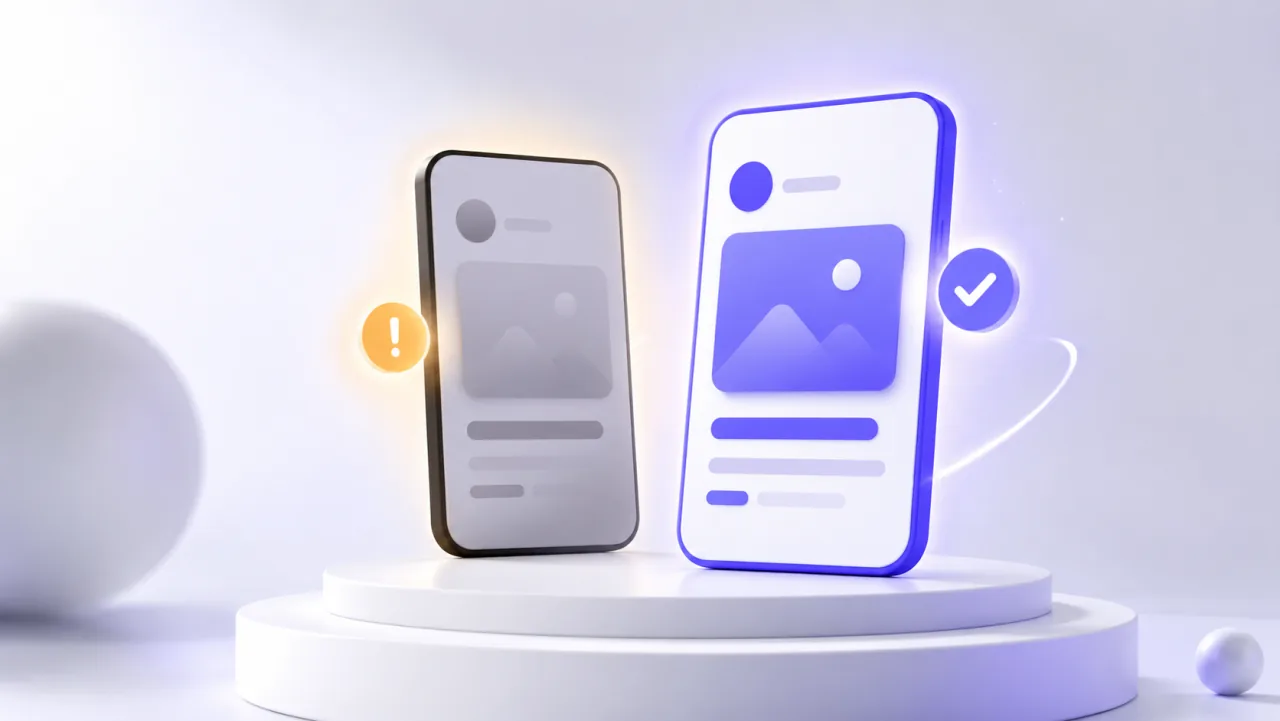
Replace the offending images with slides where your real UI is clearly the subject. Styled screenshots are completely fine, Apple explicitly tolerates marketing framing (captions, backgrounds, device frames), as long as genuine app content is visible and current-generation. In LookFrame the real capture always stays the visual core of the slide, with the caption and background around it, which is exactly the composition 2.3.3 wants. Check your set against the required dimensions while you are at it (App Store screenshot sizes): resolution mismatches often ride along with 2.3.3 notes.
Then resubmit from App Store Connect. Metadata reviews usually come back fast, often within a day.
Staying safe permanently
Adopt one rule: every screenshot contains a recognizable, truthful piece of your interface. You can lead with your strongest benefit as a caption (write captions that sell and index), keep beautiful backgrounds, use device frames. Just never ship a frame where a reviewer could ask "but where is the app?".
The short version
2.3.3 means "show the product". Kill the splash screen slide, make your real UI visible in every frame, resubmit the metadata, and you are typically back in review the same day.